

WP HTML Blocks
Reusable blocks content that render exactly as you designed, anywhere.
✓ Create content blocks once and place them anywhere
✓ Gutenberg
✓ Elementor
✓ WPBakery
✓ Native shortcodes
✓ Appearance → Widgets (native widget)
# Features
✓ Exact output: the plugin renders only your content.
✓ Gutenberg, Elementor, and WPBakery supported out of the box.
✓ Place the same block “multiple times” on the same page (conflict-free).
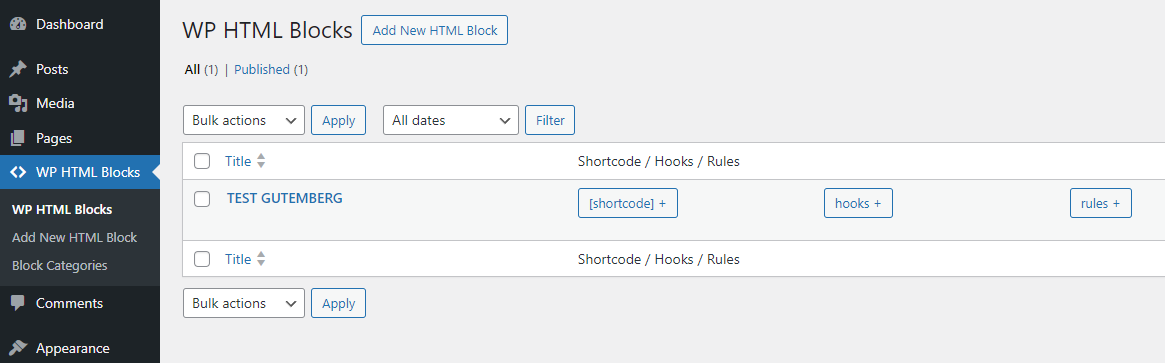
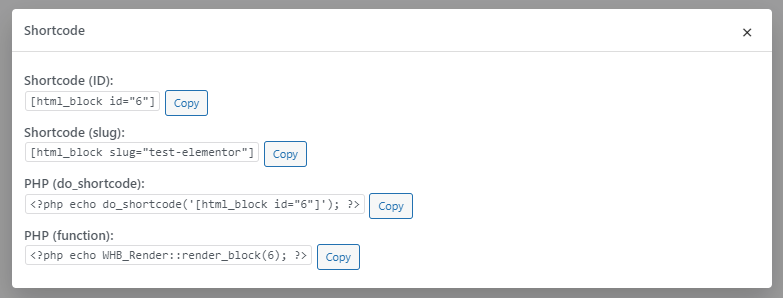
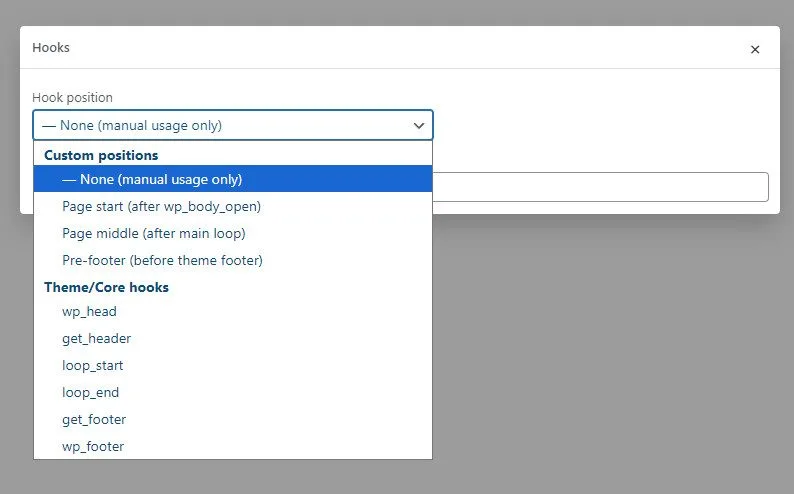
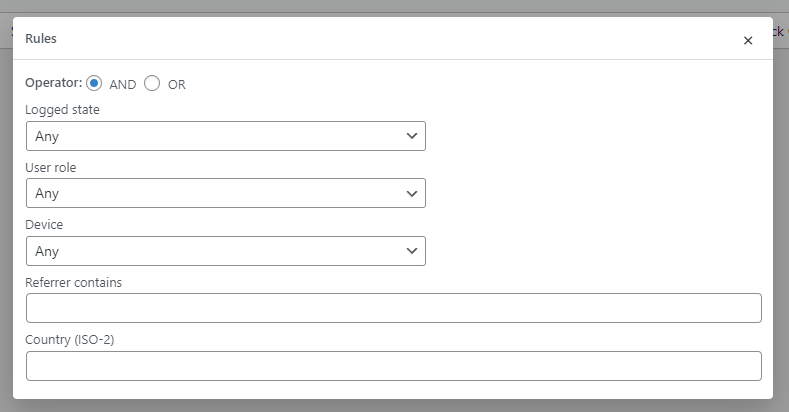
✓ One-click “Shortcode”, “Hooks”, and “Conditional Rules” in dedicated modals, plus a “Single block options” metabox.
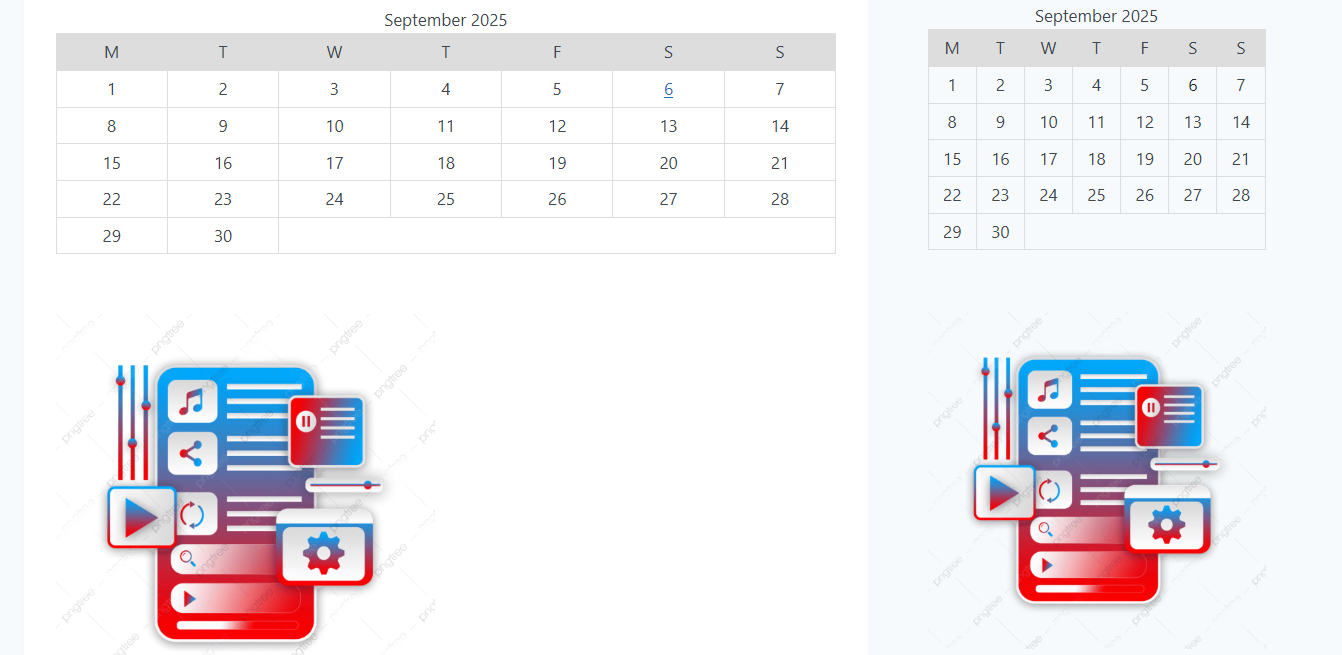
# Page + widget
# Admin List
# Live Usage Examples
✓ Announcement bars, promo banners, CTAs
✓ Forms, search bars, newsletter boxes
✓ Product highlights, pricing tables
✓ Directory widgets (GeoDirectory), events widgets, course teasers
# How It Works
✓ Create a new “HTML Block” (CPT). Build it in Gutenberg, Elementor, WPBakery, or with raw HTML
✓ Place it where you need it
✓ Shortcode in posts, pages, or widgets
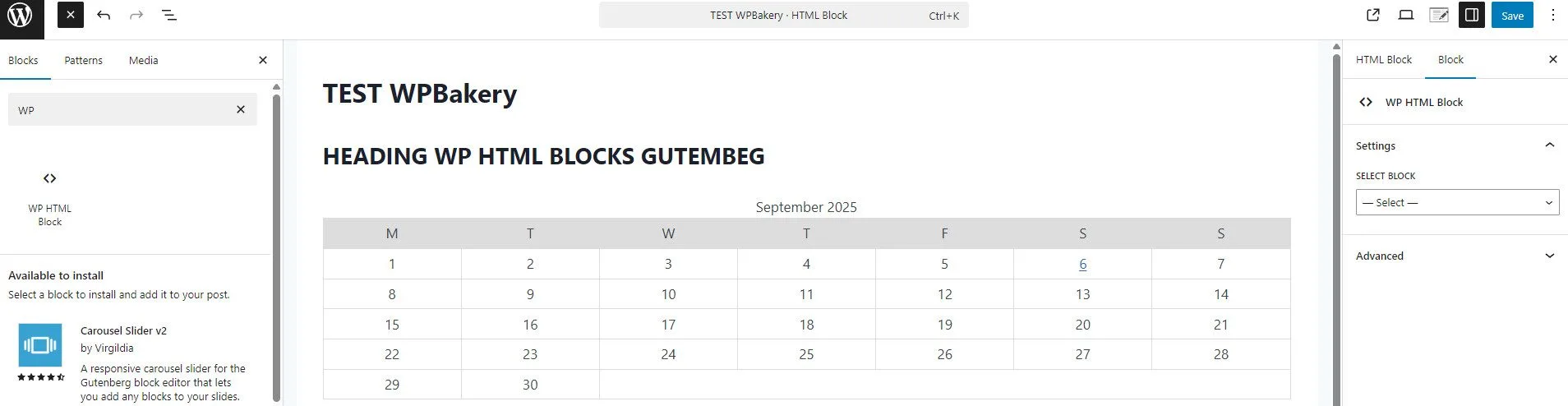
✓ Gutenberg block in the editor
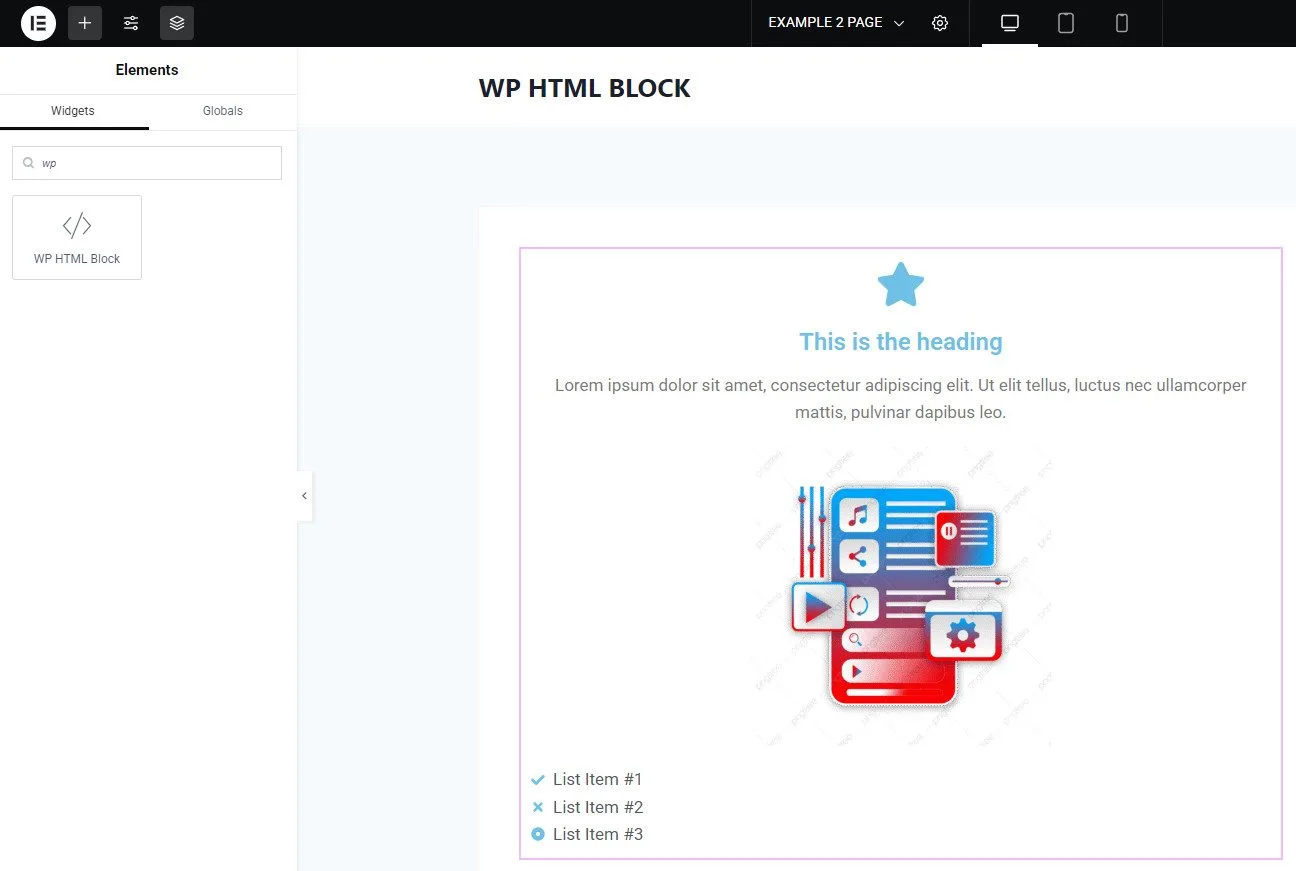
✓ Elementor widget within any layout
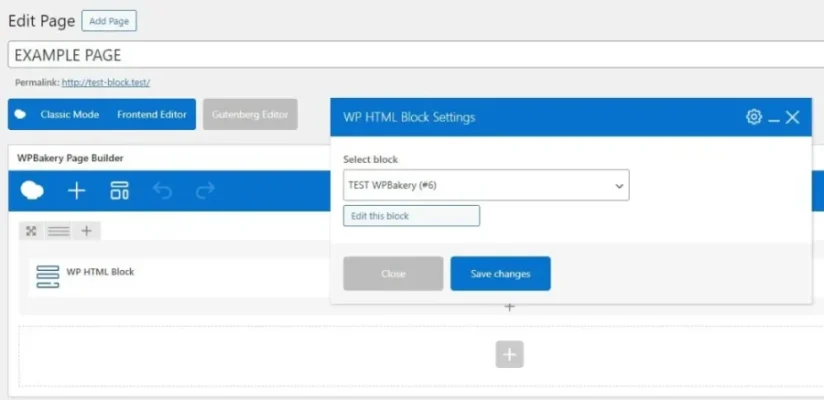
✓ WPBakery element in rows/columns
✓ (Optional) “Automate” placement with “Hooks” and target audiences with “Rules”.
# WP Bakery Element
# Compatibility
✓ Gutenberg” block → server-side rendered (1:1 output)
✓ Elementor” widget → rendered via Elementor frontend APIs
✓ WPBakery” element → content printed as is; per-block VC CSS is included once
✓ Appearance → Widgets (native widget) → select any existing HTML Block for sidebars; core widget API
✓ Native shortcode” → place anywhere shortcodes run
# Elementor Widget
# Faq
Q: Does the plugin add global CSS or wrappers?
A: No. It prints your block exactly as stored.
Q: Can I use the same block multiple times on a page?
A: Yes. Rendering is instance-safe and conflict-free.
Q: Do I need Elementor or WPBakery installed?
A: No. Integrations load only if those builders are active.
Q: Will the output match my builder preview?
A: Yes — the plugin aims for “1:1 rendering” between admin preview and front-end.
# Gutemberg Block
# Shortcodes
# Hooks
# Conditional Rules
# CHANGELOG
19,00 €Add to cart